
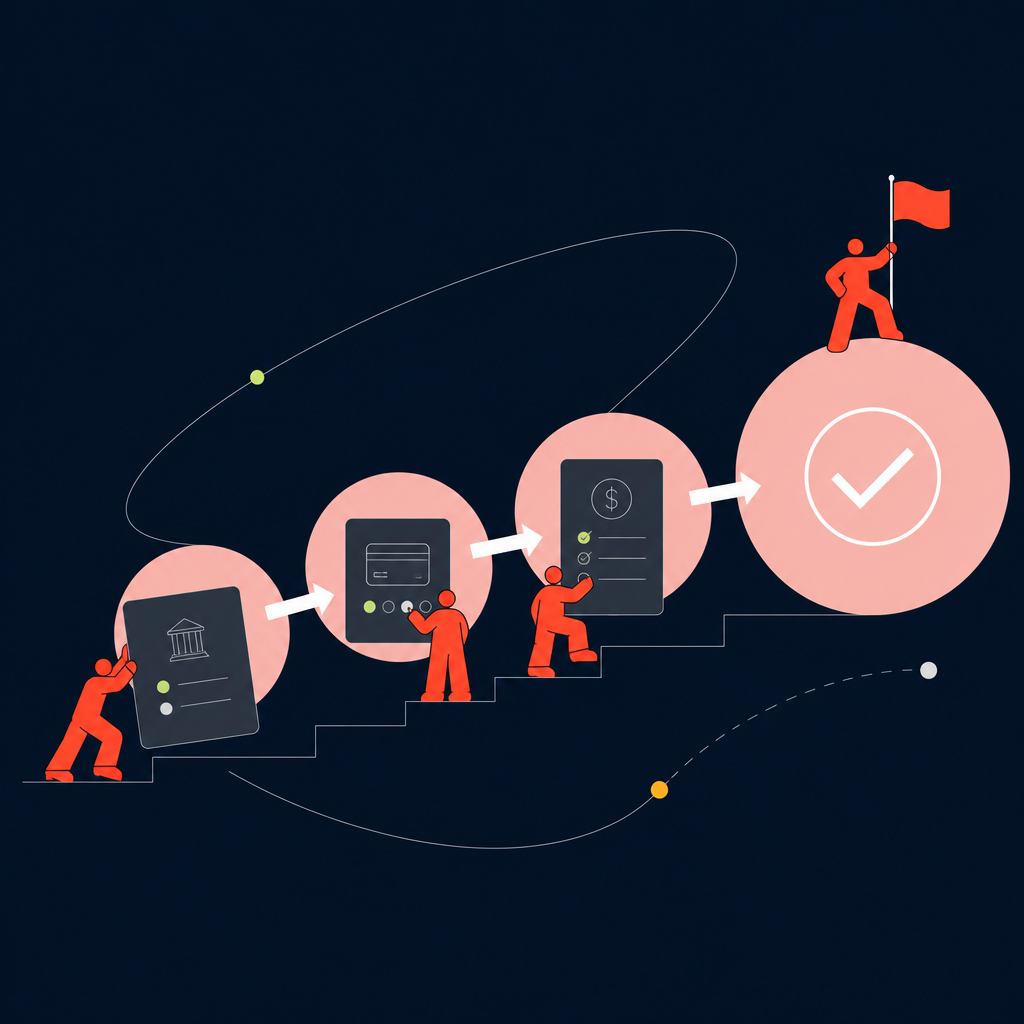
A finance team that got comfortable paying 20 contractors by hand is about to find out that the same workflow breaks somewhere between contractor 150 and 200. The KYC (know your customer) checks, the invoice matching, the approval emails, the FX (foreign exchange) bookings, the funding transfers, all of it scales linearly with headcount, and linear scaling is exactly what a lean finance function can't absorb. What changes at that volume isn't the task list, it's the category of problem. This stops being payment processing and becomes payment operations control, where the question isn't "did this contractor get paid" but "can I prove, at any moment, that every contractor across every country got paid correctly, on time, and within a controlled process."
This guide walks through setting up a corporate payment solution that handles recurring contractor payouts as a controlled, repeatable cycle rather than a pile of one-off transfers.
Why the manual payment workflow breaks at scale
The manual workflow breaks because every new contractor doesn't add one task, it adds a full chain of touchpoints: KYC, invoice collection, approval routing, funding, FX conversion. That chain has to be managed individually unless something ties it together. At 20 contractors, a spreadsheet and a few bank transfers get the job done. At 150 or 200 spread across multiple countries and currencies, the same approach means hundreds of manual KYC verifications, invoice reconciliations, and FX decisions running in parallel with no shared system of record.
This is a control problem, not a staffing problem. A finance team can hire more people to push more transfers through, but headcount doesn't fix the underlying issue: no single view of who's been paid, who's stuck in approval, and what the FX exposure looks like at any given moment.
The companies that handle this well tend to operate across a large number of jurisdictions already. Workforce platforms built for scale typically support 180+ supported countries, which signals the kind of operational infrastructure needed once contractor headcount and country count both climb. Below that infrastructure layer, the fix starts with what you assemble before touching any workflow.

What you need before you set up a corporate payment solution
Before changing the workflow, you need four things in place: a complete contractor roster with current banking and KYC data, a defined approval hierarchy, clarity on which currencies fund which payouts, and sign-off from both finance and legal on the new process.
Specifically, get these in order:
- Contractor roster: names, countries, bank details, and current KYC status for every active contractor, not just the ones paid this cycle.
- Approval hierarchy: who approves invoices, who approves payment batches, and what happens when someone's out.
- Funding currencies: which accounts fund which payout currencies, and whether you're converting at the batch or transaction level.
- Stakeholder buy-in: legal needs to confirm KYC and compliance requirements per country; finance needs to agree on reconciliation standards before go-live.
Skipping any of these means the new system inherits the same data gaps that broke the old one.
Step 1: Centralize contractor onboarding and KYC
Centralizing onboarding matters because fragmented KYC, one spreadsheet for EU contractors, a different form for APAC (Asia-Pacific), email threads for everyone else, creates both compliance risk and duplicate data entry that compounds every time a contractor's details change. The fix is building one verified record per contractor that every downstream step (invoicing, approval, payment) references instead of re-collecting the same information.
In practice, this means routing every new contractor through a single intake flow that captures banking details, tax documentation, and identity verification once, then locks that record as the source of truth. When a company needs to operate across a large number of jurisdictions, the ability to run that intake consistently regardless of country matters more than any single feature.
Platforms that support 180+ supported countries of workforce coverage generally have to standardize onboarding this way just to stay compliant across so many regulatory regimes.
The practical test of whether this step worked: can you pull up any contractor's current banking and verification status in under a minute, without emailing anyone? If the answer is no, onboarding is still fragmented and everything downstream will inherit that mess.
Step 2: Group contractors into payment groups by cycle and currency
Grouping payments matters because running 200 individual payout actions instead of a handful of batch actions is what turns reconciliation into a weekly fire drill. Batching by pay cycle, country, and currency means Finance can approve and execute one action that covers dozens or hundreds of contractors instead of repeating the same steps that many times.
To set this up:
- Define pay cycles (weekly, biweekly, monthly) and assign every contractor to one.
- Group contractors by payout currency so FX decisions happen once per group, not once per person.
- Add country as a third grouping variable where tax or banking rules differ within the same currency zone.
- Name groups clearly enough that a new team member could understand the logic without asking.
Once groups are defined, a single approval action covers the whole batch, and reconciliation happens against a group total instead of hundreds of line items. This is also where the differences between contractors paying in euros from Germany versus France start to matter, since banking rails (the local networks that move the money) and local requirements can diverge even within the same currency.
It's worth checking against a step-by-step setup guide for business international payments if your groups span the EU.
Step 3: Automate funding and FX conversion
Automating FX matters because booking currency conversion manually, transfer by transfer, leaks money on spreads and introduces timing risk if rates move between when you check them and when you execute. The fix is setting up smart routing and consolidated funding so FX gets decided once per batch rather than once per contractor.
Concretely, this looks like:
- Consolidating funding sources so one transfer from your operating account covers an entire payment group, rather than separate wire instructions per contractor.
- Setting FX execution rules: a rate lock window, a maximum acceptable spread, or a fixed conversion time, so the finance team isn't manually watching markets before every batch.
- Routing payouts through the cheapest viable corridor for each currency pair instead of defaulting to whatever your bank offers.
This is also where cost transparency becomes a genuine finance control issue rather than an operational detail. If nobody can tell you what the last quarter's FX spread cost in aggregate, the funding process isn't actually controlled, it's just automated guessing.
Teams dealing with multiple currency corridors often find it useful to review a guide to FX and cross-border payments alongside their own spread data before locking in a routing rule. Once funding and FX are handled at the batch level, the system produces one clean number per cycle instead of a scattered pile of individual conversion costs to audit later.
Step 4: Automate approvals, execution, and reconciliation
Closing the loop matters because even with clean onboarding and batched funding, a manual approval chain and manual invoice matching will still bottleneck the whole cycle: someone still has to chase a sign-off, and someone still has to check that what was invoiced matches what was paid. The fix is routing approvals automatically based on the hierarchy set up earlier, then auto-matching payment status against invoices so the cycle closes without a manual pass.
This typically means configuring the system so that a payment batch routes to the correct approver based on amount, country, or group, with a fallback approver if the primary is unavailable. Once approved, execution status (paid, pending, failed) feeds back automatically and gets matched against the original invoice, flagging only the exceptions that need a human look rather than requiring someone to check every line. The payoff is that most cycles run with zero manual touches, and the only work Finance does is reviewing flagged exceptions and signing off on the batch.
Troubleshooting: common issues when running recurring contractor payments
Diagnosing whether the system is actually working comes down to four checkpoints: KYC rejection rates, payment status that won't update, FX rate mismatches at settlement, and approvals landing with the wrong person. Each has a specific cause and a specific fix, and most are visible within the first full cycle after go-live.
Rejected or stuck KYC. If contractors are getting flagged repeatedly, the usual cause is incomplete or mismatched banking details entered during onboarding rather than a problem with the verification step itself. Go back to the centralized record from Step 1 and check for formatting mismatches between the name on the bank account and the name on file; this accounts for a large share of rejections in multi-country setups.
Payment status stuck in "pending." This usually means a funding delay upstream, not a failure in the payout itself. Check whether the consolidated funding transfer from Step 3 actually cleared before assuming the payout logic is broken.
FX rate mismatches at settlement. If the rate booked doesn't match the rate executed, check the rate lock window configured in Step 3. A batch that sits too long before execution can drift outside the acceptable spread, which is why the lock window needs to be tight enough to match your actual approval turnaround time.
Misrouted approvals. When a batch lands with the wrong approver, it's almost always a stale hierarchy: someone changed roles and the routing rule wasn't updated. This is worth checking quarterly, not just at setup.
As a scale reference point, the operational weight of South Pole consolidated 27 legal entities and 15 payroll providers into one system is real. When South Pole consolidated 27 legal entities and 15 payroll providers into one system, the point wasn't just technical tidiness, it was making every one of these same failure points, status visibility, approval routing, reconciliation, checkable from a single place instead of fifteen.
What a controlled recurring payment cycle looks like once it's running
Once this is running, Finance operates one controlled cycle instead of a fragmented chain of manual handoffs, with visibility into payment status, FX cost, and approval state at every point in the process. A contractor's banking and KYC data lives in one record, payouts run in grouped batches by currency and cycle, FX gets decided once per batch under a defined rule, and approvals route automatically with exceptions flagged rather than everything requiring a manual check.
The practical difference shows up at month-end: instead of reconstructing what happened across 200 individual transfers, Finance pulls a batch-level report that already reconciles against invoices, with FX cost visible as a single line rather than buried in individual spreads. That's the version of financial control that scales past 200 contractors without scaling headcount in the finance team alongside it.
From here, the natural next step is extending the same operating model to new countries as the contractor base grows. That's where the groundwork from Step 1, clean, centralized records, pays off, since adding a country means adding a payment group, not rebuilding onboarding. For teams further along, Papaya Global's platform approach to this kind of recurring contractor payment cycle is worth a direct look.
Ready to automate this process? Book your personalized payment platform demo.
Frequently asked questions
How should Finance evaluate mass payment capabilities before choosing a corporate payment solution?
Look at whether the platform can batch payments by currency and cycle rather than processing each contractor individually, and check how many countries it actually supports for banking and compliance. Platforms built for scale tend to cover 180+ supported countries, which is a reasonable proxy for how well the underlying infrastructure handles variation in local banking rules.
How can a company automate recurring contractor payments without adding headcount?
The main lever is batching and automated routing: group contractors by pay cycle and currency, automate FX at the batch level, and route approvals by rule instead of by email. Once those three pieces are in place, headcount growth in the contractor base doesn't require proportional headcount growth in Finance.
What should a company look for in a corporate payment solution for a distributed contractor workforce?
Prioritize centralized KYC and onboarding, payment grouping by currency and cycle, controlled FX execution, and automated reconciliation against invoices. A platform's country coverage matters too: broader coverage, such as 180+ supported countries, usually indicates the compliance and banking infrastructure needed to support a workforce spread across many jurisdictions.
How can a business reduce cross-border payment complexity when paying contractors in multiple currencies?
Reduce complexity by grouping contractors by currency and country before execution, rather than treating each payout as a separate decision. Reviewing how banking rails and local requirements differ even within shared currency zones, covered in this guide to business international payments, helps set up groups correctly from the start.
How can Finance control FX costs on recurring cross-border contractor payments?
Set FX execution rules at the batch level, a rate lock window and a maximum acceptable spread, so conversion decisions happen once per group instead of once per contractor. This also makes FX cost auditable as a single line item per cycle, which a guide to FX and cross-border payments walks through in more detail.
When should a contractor payment platform need an API instead of a manual dashboard?
An API (application programming interface) becomes necessary once payment data needs to sync automatically with internal systems like accounting or ERP (enterprise resource planning) software, or once the volume of contractors makes manual dashboard entry too slow to keep records current. Below that threshold, a well-configured dashboard with batch grouping is usually sufficient.
The next step is cross-border payment operations in your own setup
Bring your countries, worker mix and payment cycles to a Papaya specialist and get a straight answer on what changes.